Paper Mock-Up
Thank you very much for buying my item, if you have any questions about how to use it feel free to contact via profile.
Table of Contents
A) Preview - top




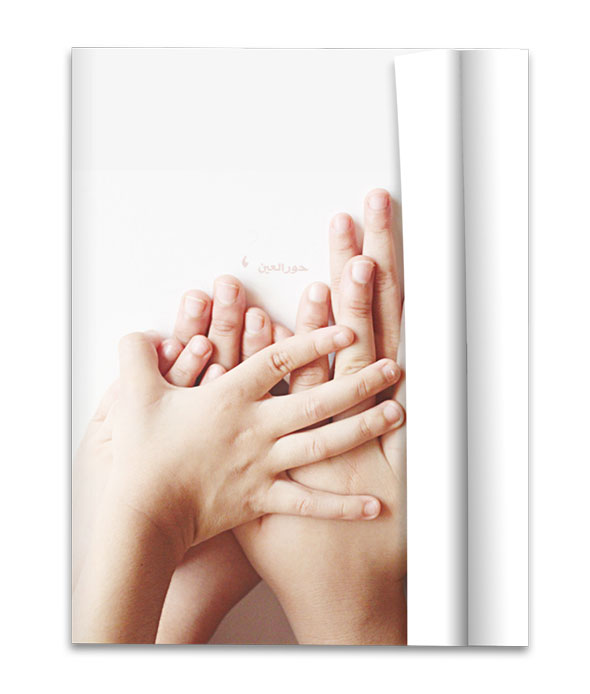
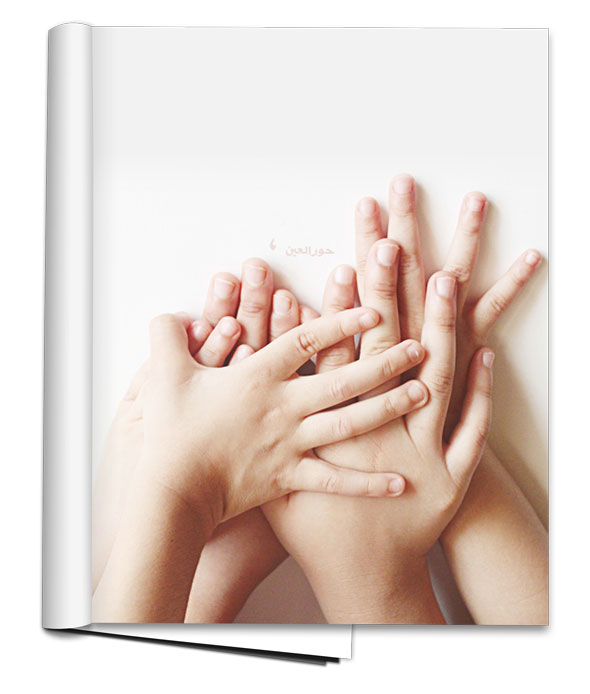
B) How to change the picture? - top
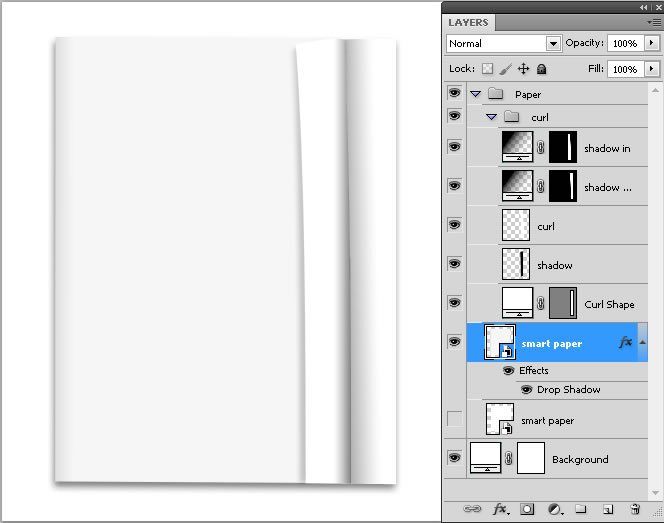
Step 1: Open the file you want to customize and double-click on the layer called "smart paper".
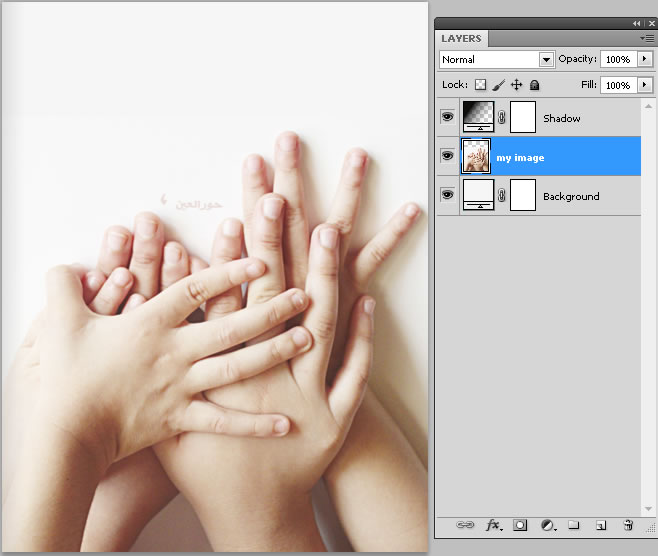
Step 2: Add your custom image and save.
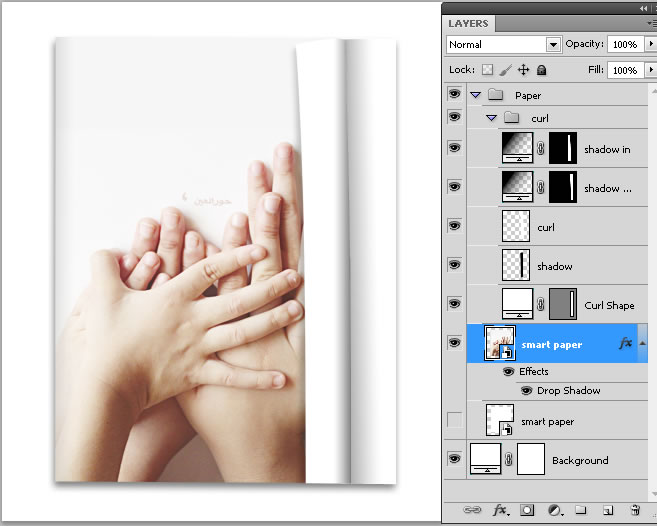
Finally: we will see completed our custom file.
C) How to add a Curl? - top
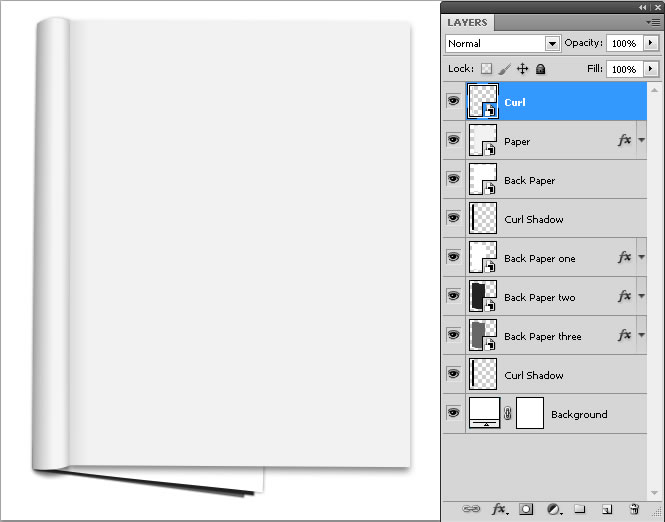
Step 1: Open the file you want to customize
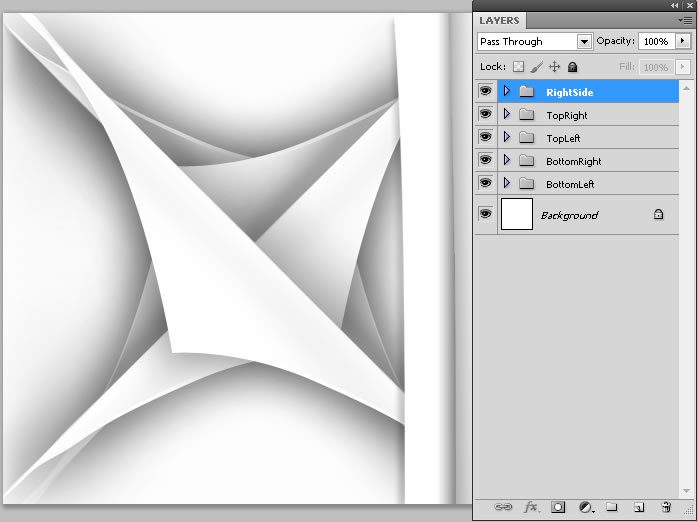
Step 2: Open the file named TypesCurl and select the curl you want to add
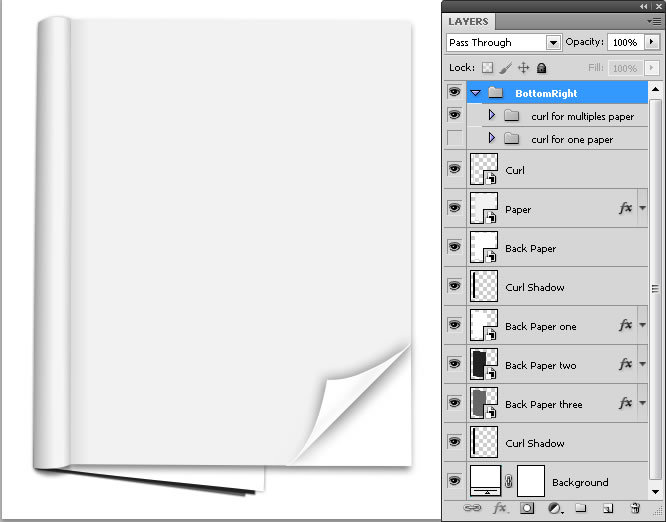
Step 3: Drag the Curl to the file you are customizing
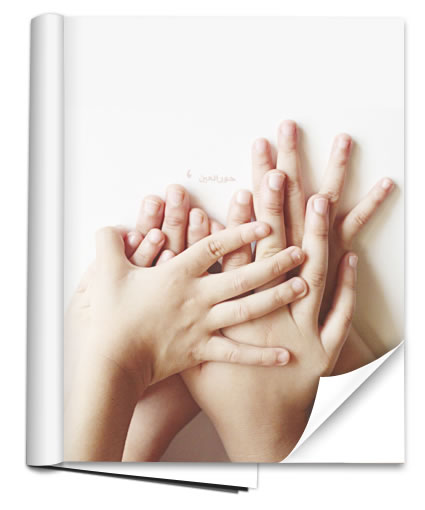
Now, following the steps in "How to add a picture?" finally we can see it this way:
D) Sources and Credits - top
I've used the following Fonts from:.
- Font used: Code Free Font
I've used the following images from:.
Carlos Viloria
Once again, thank you so much for purchasing my Item.